· 8 min read
Stop Being a Conveyor Belt for AI

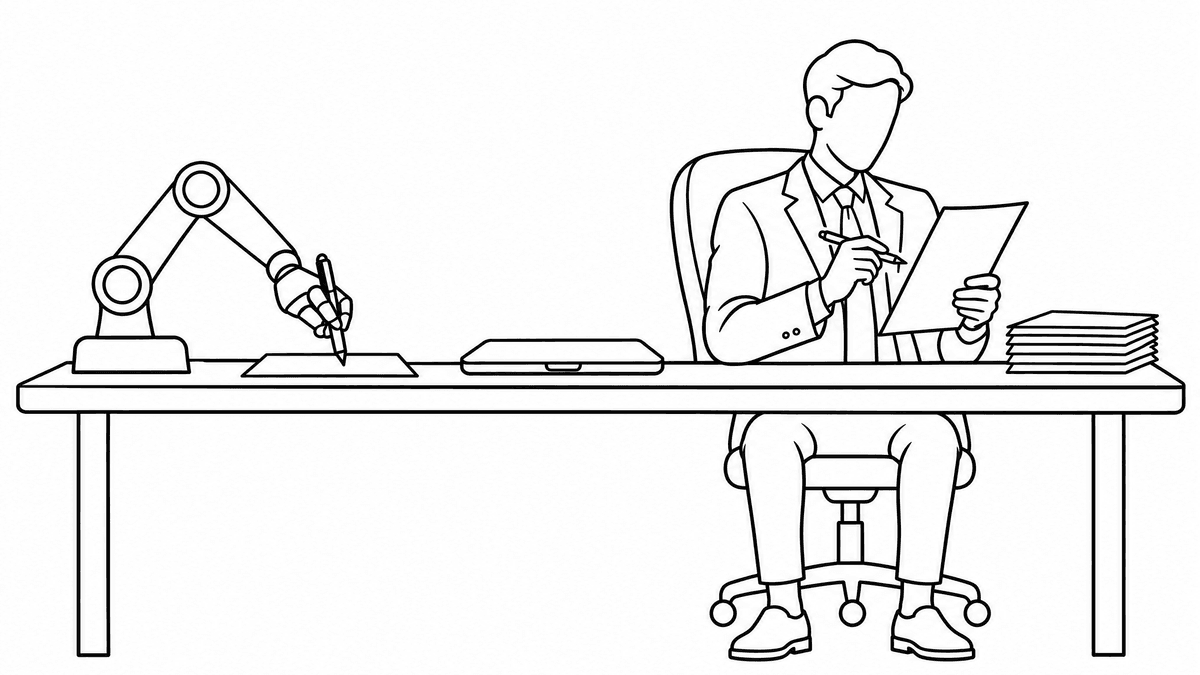
Most managers and executives I work with use AI the same way. They copy a customer email into Claude or ChatGPT and ask for a reply. They paste in a report and ask for a summary. Then they copy the answer back into the system it came from and go find the next one.
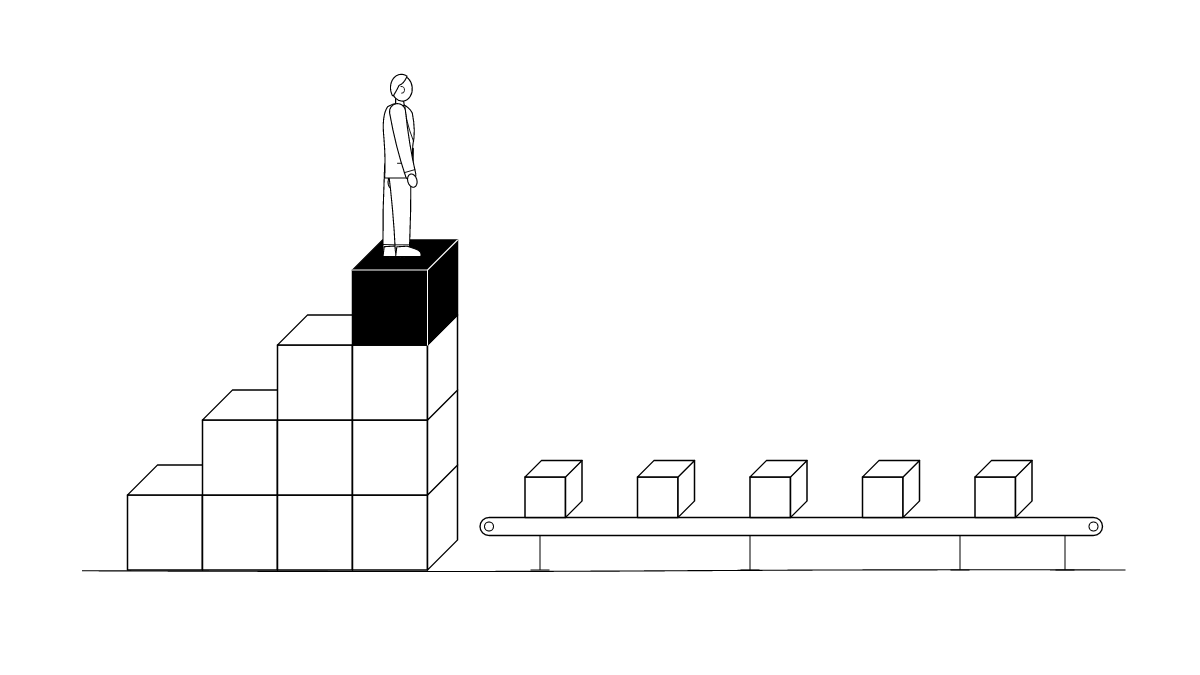
Felix Rieseberg used to work that way too. He has led engineering for Claude.ai, Cowork and Claude Code Desktop at Anthropic, the company that makes Claude. A year and a half ago he would find a crash report in his team’s software, hand it to Claude, ask for a fix, then go find the next one. In an October 2026 interview with Marina Mogilko on her Silicon Valley Girl YouTube channel, he described what he realized: “I’m just a conveyor belt for Claude.”
His example is bug fixes, but swap “crash report” for whatever lands on your desk: a stalled deal, a late invoice, a customer complaint, a weekly report. The habit, and the fix, are the same. I pulled out the five lessons managers can use and added my take. The full interview is at the end.
What does it mean to be a conveyor belt for AI?
You’re a conveyor belt when you pull each piece of work out of your business software, carry it to AI and carry the result back. Claude only sees what you hand it, so it helps with one item at a time, and you set the pace for everything.
Rieseberg’s fix was to give Claude access to all the crash data and let it work out what needed fixing and what didn’t. For a manager, the same move is connecting Claude to the software where your work already lives (your CRM, inbox, accounting system, project tracker) and handing it the whole job instead of one item.
Three examples from a typical week:
- Sales: you paste in one deal’s notes and ask for a follow-up email. Instead, connect Claude to the CRM and ask it to review every open deal, flag the ones that have gone quiet for two weeks and draft a follow-up for each.
- Finance: you ask about one overdue invoice. Instead, connect your accounting system and ask for every invoice past 30 days, who owns each account and a reminder ready for each.
- Leadership meeting: you summarize one report at a time. Instead, connect the CRM, accounting and project tools and ask Claude to pull this week’s numbers, compare them with last week and list what the team needs to discuss.
Rieseberg admits this costs more up front, and says it’s where he gets the real value. To start, he suggests the Claude desktop app: let it work in the browser, inside the systems you already use. Once a workflow proves itself, give Claude a proper connector to that software.
My own advice on top of his: start with read-only access, and review what Claude drafts before anything goes out to a customer. Widen its permissions as it earns your trust, the same way you would with a new hire.
Why are small AI tasks a waste of the tool?
Small tasks don’t use what today’s models can do. Rieseberg’s point is that if all you ask for is an email summary, you aren’t getting any benefit from the newer, smarter models. He calls the gap between what the models can do and how most people use them a capability overhang.
His advice is to give AI the goal behind the task. Ask yourself what you’re hoping happens next, and hand it that. Skip “make this email sound less angry” and ask for help keeping the customer. Keep raising the goal until the AI can’t keep up. He admits there’s a ceiling: tell it to “go make money” and it won’t get far. But if you’ve never hit the ceiling, you’re asking for too little.
Should you tell AI to act like an expert?
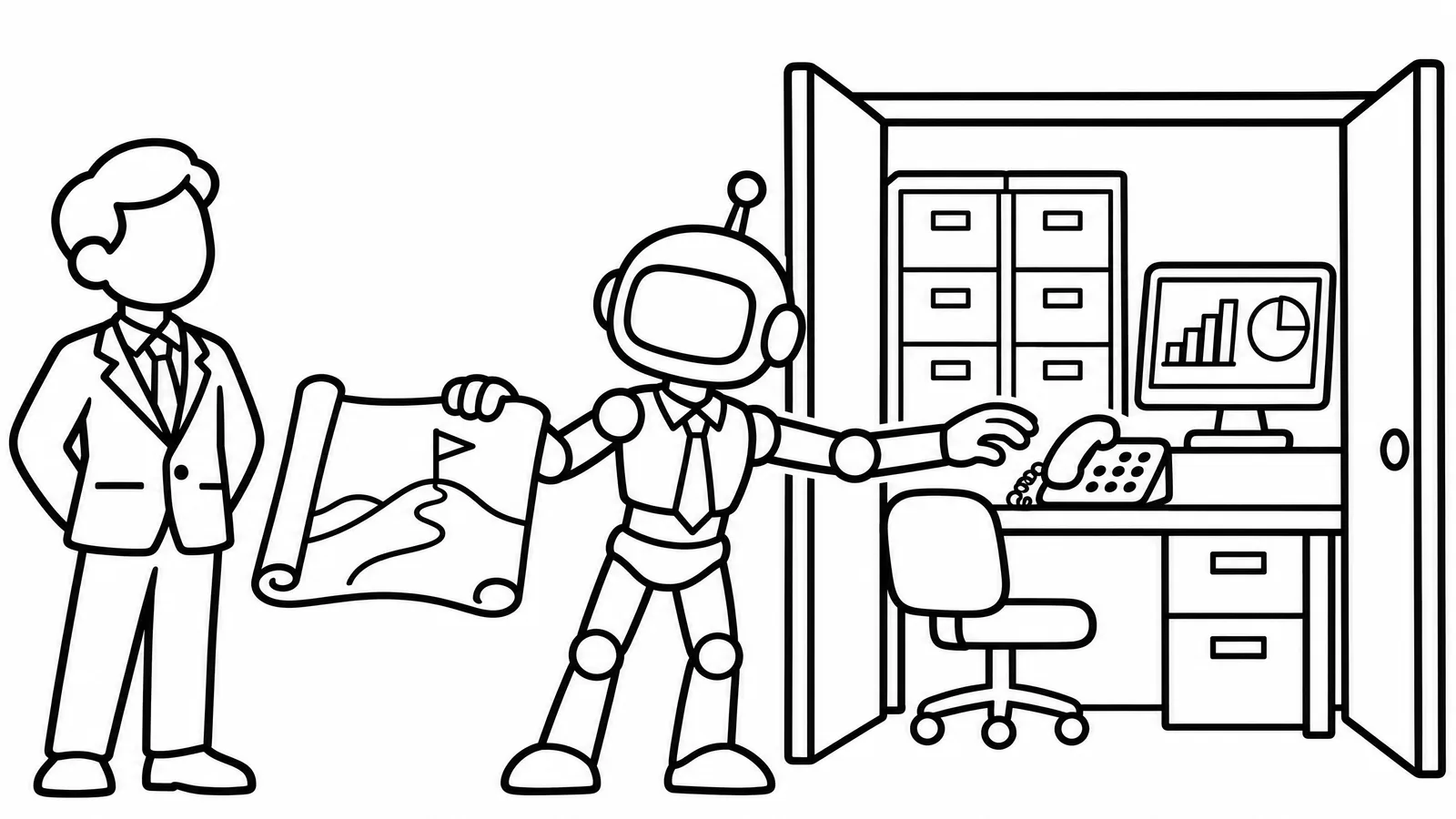
No. Ask it to work the way an expert works. Rieseberg never tells Claude it’s an excellent anything. That kind of prompt was popular in 2024, he says, and today it mostly gets you role play: an accountant’s vocabulary without an accountant’s methods.
He asks a different question: what tools and steps would someone at the top of this field use? Then he tells Claude to use them. His example is animation. The big jump in quality came when people told Claude to use Blender, the 3D software professional animators use. For a manager, that means asking how a top controller closes the month or how your best salesperson qualifies a lead, then telling Claude to follow those steps.
How do you catch AI’s confident mistakes?
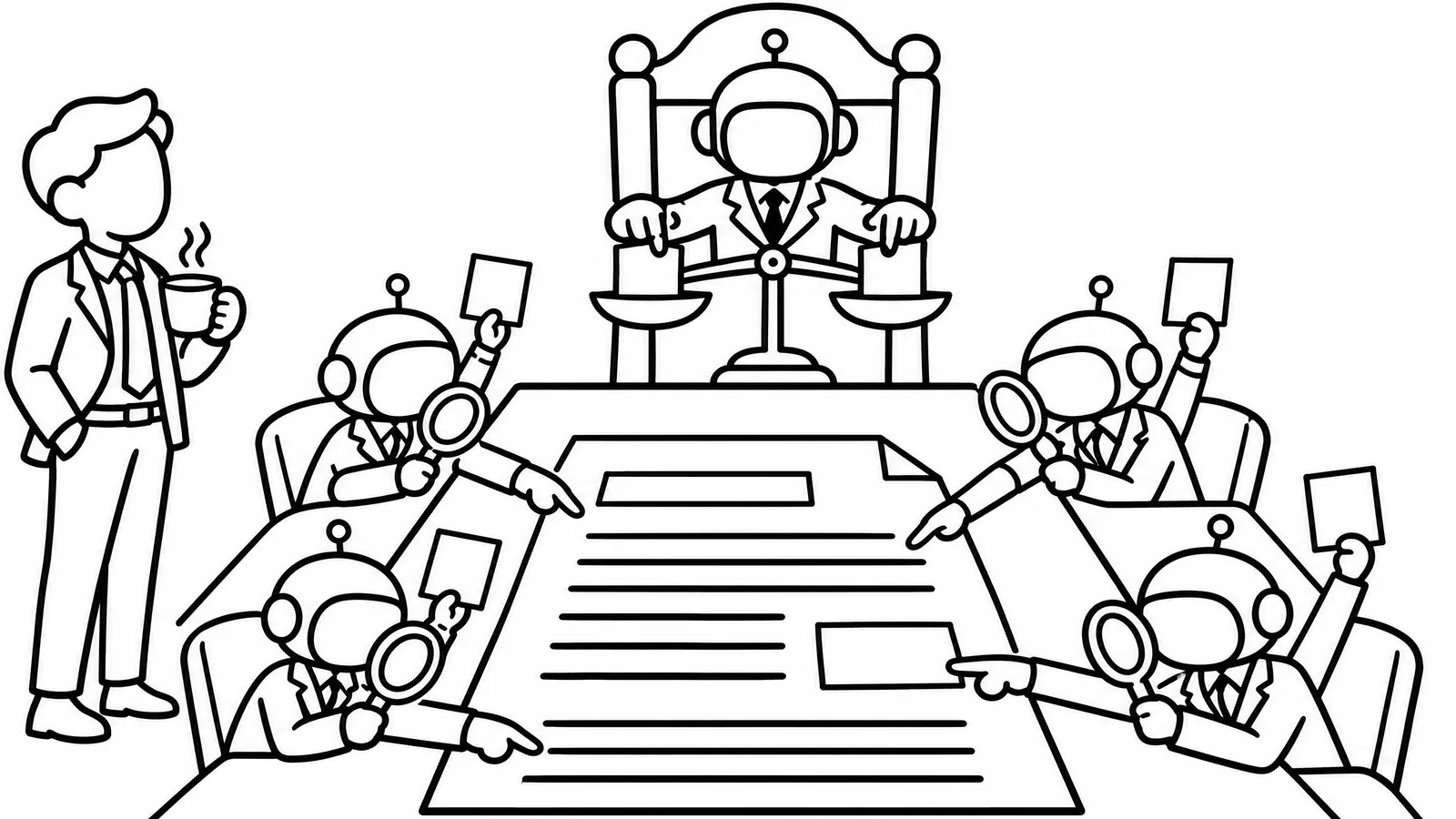
Bring in a reviewer that didn’t do the work. Rieseberg’s practical answer is an adversarial review. One AI session does the job. Several more get one task: prove the work wrong. Wrong facts, wrong thinking, missed points. Then one more session acts as the judge and decides which criticism is valid, and the original session decides what to change.
He draws two lines worth copying:
- He doesn’t trust a session to judge its own work. He calls that “really iffy.” Hard outside evidence is best, and a second session beats self-review.
- He trusts AI completely for fact-checking, as long as he asks it to find a primary source for every number and confirm each source is a good one.
You can do this today: open a fresh chat, paste the draft and say: “Your job is to prove this is wrong. Check every fact against a primary source and list what you’d challenge.”
How do you stop being the bottleneck?
Run AI’s review next to your own until you trust it, then let go of the parts where you agree. Mogilko asked the question most leaders would. She runs a team of 35, and every piece of work still goes through her team and then through her. She’s become the biggest bottleneck in her own company.
Rieseberg’s answer was a side-by-side test. Keep reviewing the work yourself for a few rounds, and also ask AI for its feedback on the same work. Compare the two. The differences show you what to teach it.
He also described a three-step way to teach AI your judgment:
- Collect the feedback you’ve already given on a type of work.
- Ask AI to boil it down to a list of rules or principles.
- Ask which principles you seem to hold but have never said out loud.
That list becomes the standard for every future review, whether a person or AI does it. I’ve written before about how to clear a bottleneck: fix the process first, then the people, then the technology. Writing down your standards is the process step.
My take: why do good managers get more from AI?
The habits that make AI useful are the habits that make a team useful. Read the interview again and swap “Claude” for “my operations manager.” Most of the advice still works. Hand over outcomes and the whole picture. Define what good looks like. Build a review that doesn’t depend on you, then step back. When Mogilko admits she wants to control every step, Rieseberg calls it the old problem of being willing to let go.
That’s why I believe the companies with the most great managers will get the most out of AI. A manager who micromanages people will micromanage AI the same way and end up as the conveyor belt for both. A manager who already delegates outcomes, shares context and trusts a good process will find AI fits right in. I made the same argument in AI Adoption Is a Management Problem.
Thursday’s post on Liz Wiseman’s Multipliers makes the point about people. In Wiseman’s research, people said leaders who did the thinking for them got only about half of their ability. I expect AI managed that way to come up short in the same way.
If you run EOS®, Delegate and Elevate is a good way to find the jobs to hand over whole; I walked through it in Delegate and Elevate: How to Decide What to Hand to AI.
One note: Rieseberg builds Claude, so his product tips are about Claude. The management lessons apply to whatever tool your team uses.
What should you try this week?
Pick one job you feed to AI one item at a time, and give Claude the whole job instead.
- Pick the job and the system: follow-ups that live in your CRM, overdue invoices in your accounting software, the numbers for your weekly leadership meeting. Write down the outcome you want, not the task.
- Connect it: let Claude work in that system through the desktop app’s browser, or set up a connector, with read-only access to start.
- Give it the whole job and what good looks like: “Review every open deal, flag any with no activity in two weeks, and draft a follow-up for each in my voice.”
- Check it with a fresh chat whose only job is to find what’s wrong.
- After a week, compare its work with yours. Decide what you can stop touching, and what it can send without you.
If you want a step-by-step version for your own work, start with How to Automate Your Own Work With AI (and Trust It).
Watch the interview
Marina Mogilko talks with Felix Rieseberg on Silicon Valley Girl. The section on catching AI’s mistakes starts at 12:57, and the bottleneck discussion starts at 29:39.
Common questions
What does “conveyor belt for AI” mean? It describes someone who copies work out of their business software into AI one piece at a time and carries the result back. Felix Rieseberg of Anthropic used it for his own old habit of handing Claude one crash report at a time instead of giving it all the data.
Can Claude work inside my business software? Yes. Rieseberg suggests starting with the Claude desktop app, which can work in your other systems through its built-in browser, then adding a connector once a workflow proves useful. Start with read-only access and review its work before anything goes to a customer.
Should I tell AI “you are an expert”? Rieseberg says that prompt was popular in 2024 and now mostly produces role play. Ask what tools and steps a top professional would use, and tell the AI to use them.
Get more from the team you have
AI multiplies whatever management habits you already have. If you want help building a leadership team that gets more done with its people and its tools in Oregon, Southwest Washington or Seattle, that’s the work I do through AI integration and EOS® implementation.
Sources
- Silicon Valley Girl (Marina Mogilko), “Claude Engineering Lead: ‘Stop Using Claude Like It’s 2024’”, interview with Felix Rieseberg, YouTube, October 20, 2026.
- Liz Wiseman with Greg McKeown, Multipliers: How the Best Leaders Make Everyone Smarter, revised and updated edition (2017).