· 7 min read
Delegate and Elevate: How to Decide What to Hand to AI
Owners ask me some version of the same question every week: “What should we be using AI for?” Most of them start by comparing tools. I’d start somewhere else. Start with your own week.
EOS® (the Entrepreneurial Operating System) already has a tool for deciding what to stop doing. It’s called Delegate and Elevate™, and leadership teams use it to hand work to other people so they can spend more time on what they do best. It works just as well for deciding what to hand to an AI agent. List what you did in a typical week, sort it by whether you love it and whether you’re great at it, then run the bottom half through four questions about AI. The work that passes goes to an agent. The rest goes to a person, or goes away.
How Delegate and Elevate works
Delegate and Elevate is a simple grid. One axis asks whether you love a piece of work. The other asks whether you’re great at it. Every activity lands in one of four quadrants:
- Love it and great at it. Your best work. Dan Sullivan of Strategic Coach calls this your Unique Ability®. You want as much of your time here as possible.
- Like it and good at it. Work you do well and don’t mind. Keep it for now.
- Don’t like it, but good at it. The trap. You’ve done it so long you’ve become good at it, so it never leaves your plate.
- Don’t like it and not good at it. Hand it off first.
EOS Worldwide’s guidance is to keep at least 80 percent of your time in the top two quadrants. Gino Wickman, who created EOS, has long pushed leaders to delegate at least one thing every 90 days.
Most owners I work with get stuck at the same point. They fill in the grid, look at the bottom half, and realize there’s nobody to give it to. The team is already at capacity, and a new hire for a pile of reports and follow-ups is hard to justify.

AI changes who you can delegate to
Look at what sits in most owners’ bottom two quadrants and a pattern shows up. Weekly reports. Meeting recaps. Follow-up emails. First drafts of proposals. Cleaning up a spreadsheet before someone else can use it. Research before a sales call. Most of it is reading, writing, sorting or summarizing information, which is the work AI agents handle well.
An AI agent here means a tool like ChatGPT, Claude or Microsoft Copilot that takes an assignment and hands back finished work. For a company of 25 or 50 people, that adds a new name to the delegation list. Work that had no one to go to now has somewhere to go.
It still has to be managed. An agent needs a clear assignment, a definition of done, and someone who checks the output, the same as a new hire. I wrote about that skills gap in AI Adoption Is a Management Problem. Delegate and Elevate tells you what to hand off. Management skill decides whether the handoff works.
Step 1: List what you did in a typical week
Pull up last week’s calendar, your sent email and your to-do list. Write down every specific activity, aiming for 15 to 30 items. Be specific. “Reporting” is too vague to delegate. “Build the weekly sales numbers for Monday’s leadership meeting” is something you can hand to someone, or to something.
Include the small recurring tasks. The 20-minute jobs you do four times a week can add up to more hours than the big projects, and they’re often the easiest to hand off.
Step 2: Sort each activity into a quadrant
Be honest here. Your energy is a better guide than your job description. The tasks you put off, or save for Friday afternoon, tend to belong in the bottom half. Watch the third quadrant in particular. Owners keep that work for years because they’re good at it and it feels responsible to do it themselves.
When you’re done, estimate how your hours split across the four quadrants. If less than 80 percent of your time sits in the top two, you’ve found your opportunity.
Step 3: Run the bottom half through four AI questions
This step adds AI to the tool. For each activity in the bottom two quadrants, ask:
- Is the work reading, writing, sorting or summarizing information? That’s where agents do their best work. Physical work, relationship work and judgment calls under pressure are not.
- Can you describe what done looks like in a paragraph? If you can’t explain the standard, an agent can’t hit it. Neither can a person.
- Can you check the result faster than you could do it? Reviewing a recap might take five minutes when writing it takes 45. That gap is where your time comes back.
- What happens if it’s wrong? An awkward internal summary costs little. A wrong number in a client proposal or a contract costs a lot. The higher the stakes, the more the work needs a human owner who reviews every output.
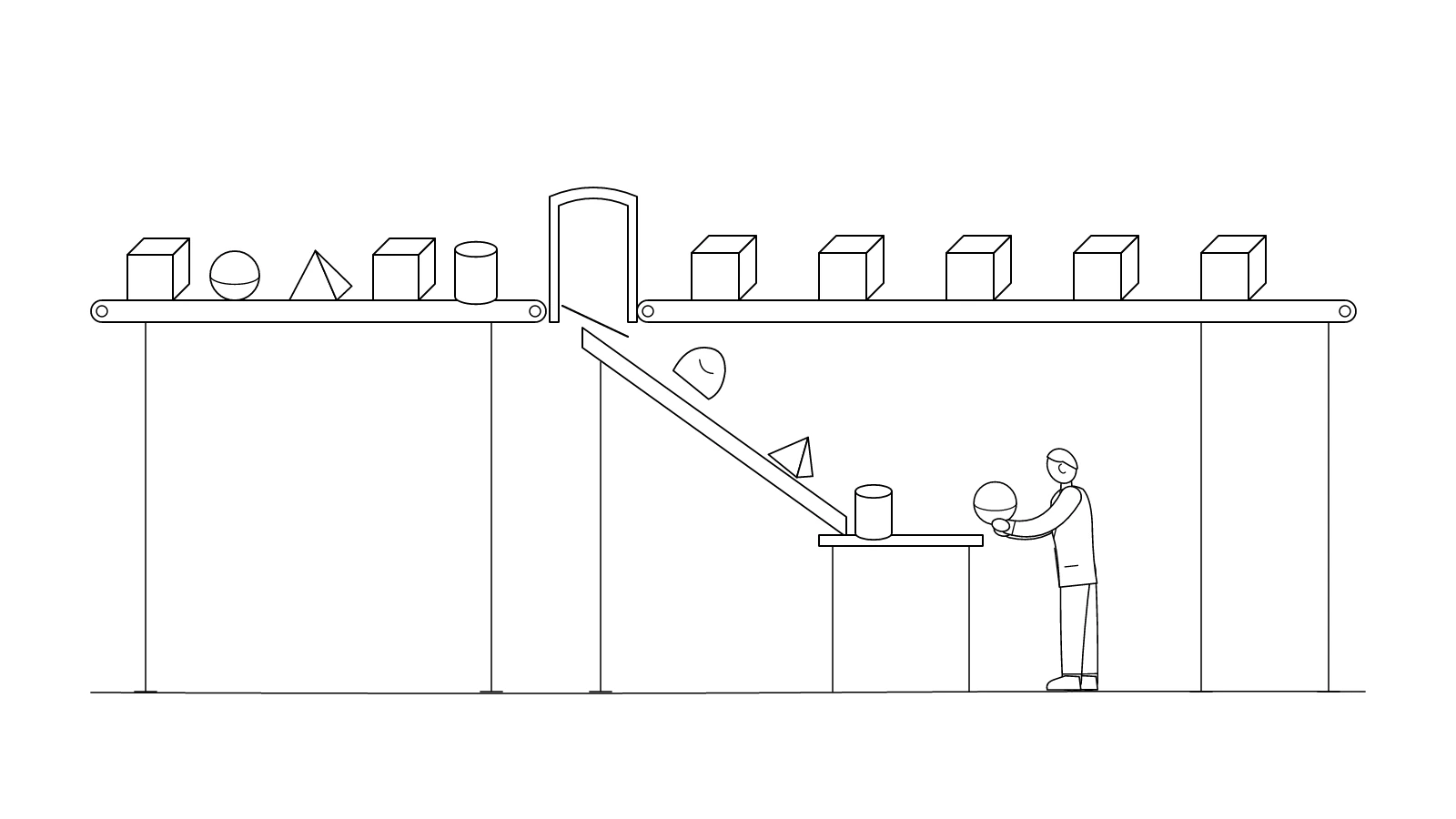
Activities that pass all four go to an agent, with you or someone on your team reviewing the results. Activities that fail the first two go to a person, though an agent might still draft part of the work. Activities that fail the fourth keep a human owner, with AI as an assistant at most. And some activities fail a question nobody asks often enough: does this need to be done at all? Delete those.
Here’s what that sort could look like for a sample owner’s week. The tasks are illustrations, not a client’s list.
| Activity | Quadrant | Where it goes |
|---|---|---|
| Weekly sales numbers for the leadership meeting | Don’t like, good | Agent drafts from the CRM export; you review |
| Recaps and follow-up emails after client calls | Don’t like, good | Agent drafts from your notes; you send |
| First drafts of proposals | Like, good | Agent drafts from a template; you write pricing and scope |
| Summaries of vendor contracts | Don’t like, not good | Agent summarizes; your attorney reviews anything that matters |
| Hard conversations with employees | Don’t like, good | Stays human; coach your managers to own more of them |
| A monthly report nobody reads | Don’t like, not good | Stop producing it |
| Setting vision with the leadership team | Love, great | Keep it, and spend more time here |
Step 4: Hand it off the way you’d onboard a new hire
Pick two or three activities that passed. Don’t start with ten. For each one, write the assignment the way you’d write it for a new hire: what the work is for, what inputs to use, who the audience is, what good looks like and what to avoid. Save it so you don’t rewrite it every week.
Run the agent on the real work for two weeks and check every output. Each time you correct something, add the correction to the standing instructions. By the third week you should be spot-checking instead of rewriting. If you’re still rewriting, the assignment isn’t clear yet, or the task belongs back with a person.
Step 5: Elevate on purpose
This is the step most owners skip. Freed time doesn’t stay free. If you don’t decide where the hours go, email and interruptions will take them back within a month.
Block the time on your calendar before it disappears, and spend it in your top-left quadrant: the work only you can do, whether that’s key customer relationships, strategy or developing your leadership team. I covered why that matters in Your Calendar Is a Management Decision.
Then make it measurable. Put “hours returned per week” on your Scorecard, the weekly numbers your leadership team reviews. Make one AI handoff a Rock, one of your 90-day priorities, and redo Delegate and Elevate at every quarterly planning session. Each quarter, at least one more item leaves your plate.
Run it with your whole leadership team
Delegate and Elevate gets more useful when every leader does it and you compare the lists. You’ll find three people building versions of the same report, or a task one leader dreads that another would like to own. You’ll also find the workflows worth building once for the whole company instead of five times in five inboxes.
That’s a better place to start an AI rollout than a software demo. The list comes from the work your leaders do every week, and every item on it already has an owner.
Start with an honest list
You don’t need an AI strategy deck to get started. You need an honest look at how you spent last week, and the discipline to hand off what doesn’t belong with you. Delegate and Elevate gives you the sort. AI gives the bottom half of your grid more places to go than it has ever had.
If you want help running this with your leadership team in Oregon, Southwest Washington or Seattle, that’s part of the work I do in AI integration and EOS® implementation.